Global search
Press F anywhere in Alrik Connect, type an order number or reference, and jump straight to the order.

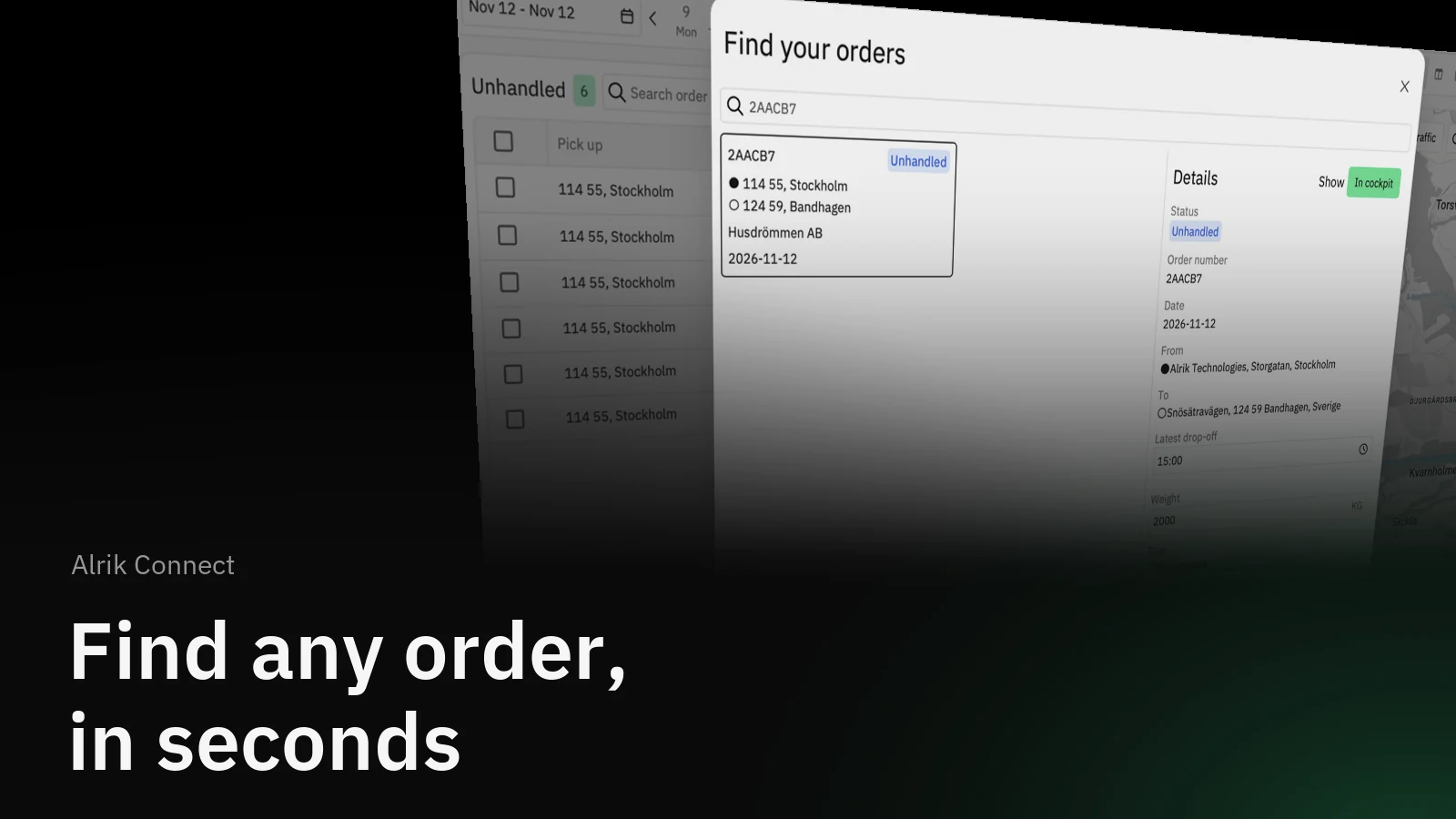
A customer calls about order 2AACB7. Is it planned, on a tour, already delivered? Global search answers that from any page in Alrik Connect: press F, type the number, and the order is in front of you.
How it helps
Until now, finding one order meant guessing which day and which list it was in. Global search looks across everything at once, whatever the order's status: unhandled, on a tour, with an external carrier, completed, archived, or still waiting in the inbox. Each result shows the status, so you can answer the question before you even open it.
How it works
Click Search order at the top of the sidebar, or press F on any page. Start typing an order number, a project reference or a group reference, and matching orders appear as you type. The first few characters are enough.
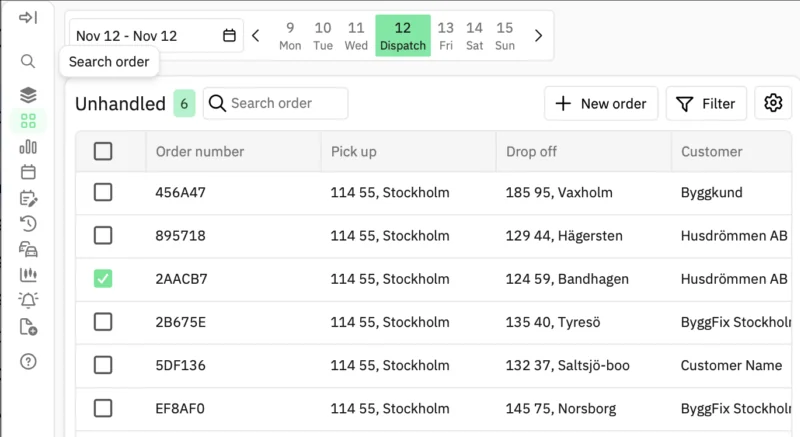
Each result shows the order number, its status, the pickup and dropoff, the customer and the date.

Click a result to see the details: addresses, time window, weight, tags and cargo content. From there, Show in cockpit takes you to the order in Cockpit, already selected, and Tour opens the tour it is on.
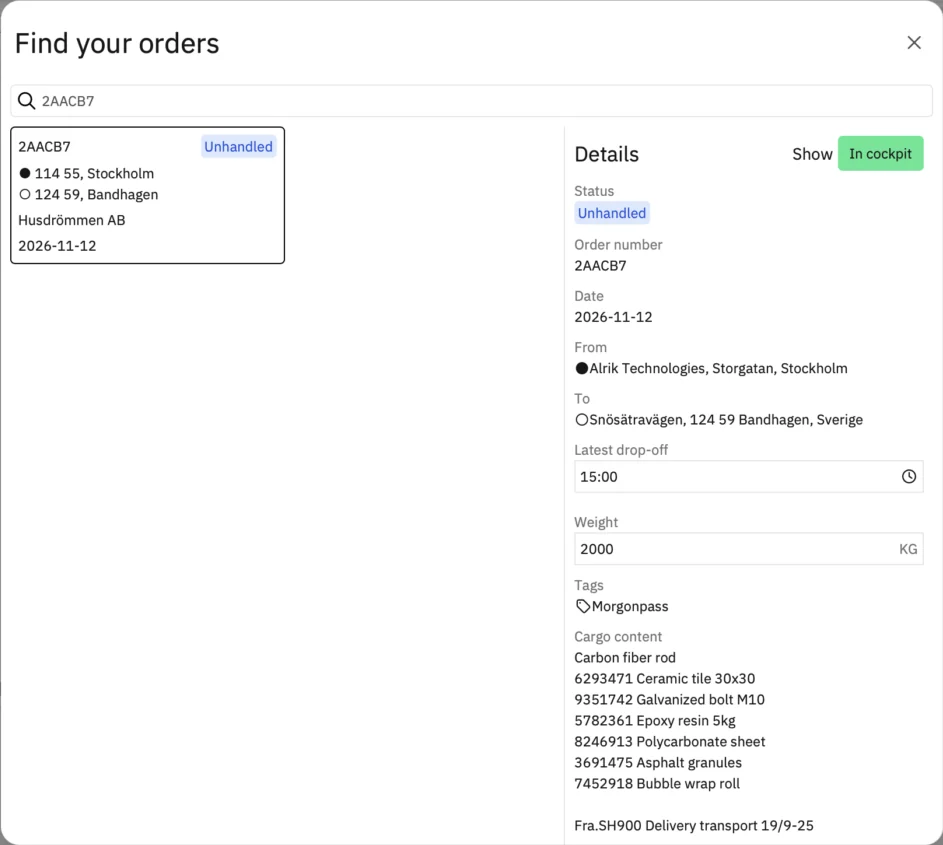
A closer look
Orders that are still in the inbox show up too, marked In inbox, and open in Cockpit ready to be handled. If an inbox order was deleted by mistake, search finds it as Deleted and lets you restore it.
Get started
- Press F, or click Search order in the sidebar.
- Type the order number, project reference or group reference.
- Click the result, then Show in cockpit or Tour.
Global search is available to everyone who uses Alrik Connect.